
Layer thickness plays a central role in how Elegoo Mars‑series printers translate digital geometry into physical detail. Before adjusting exposure settings or switching materials, many print issues can already be influenced by choosing the correct layer height. The Mars‑series light engines, from the early RGB units to the modern COB and high‑intensity UV arrays, are designed to remain stable across a wide range of layer thicknesses, which gives users the flexibility to optimize for detail, speed, or material behavior. Understanding when to deviate from the default values is essential for achieving consistent, predictable results across different resins and model types.
The choice of layer thickness also determines how the printer handles micro‑geometry, curved surfaces, and fine transitions. Thinner layers increase the number of slices, which improves the visual smoothness of organic shapes and reduces the appearance of stepping. Thicker layers reduce the total number of peel cycles, which can improve reliability on tall or heavy prints and significantly shorten production time. Each Mars model, from the Mars 2 Pro to the Mars 4 Ultra and Mars 5 Ultra, responds slightly differently due to variations in light uniformity, pixel density, and exposure power, making it important to match the layer height to both the printer and the resin.
Because the Mars ecosystem supports a wide range of materials, from standard photopolymers to engineering‑grade and dental‑specific resins, layer thickness becomes a tuning parameter that helps stabilize print behavior. Some resins cure more predictably at moderate layer heights, while others benefit from thinner layers to maintain dimensional accuracy. For resin‑specific exposure recommendations, the primary reference remains the Elegoo Mars‑series resin overview, which provides validated settings per printer model. With this foundation in mind, the sections below explain when and why adjusting layer thickness leads to better print outcomes.
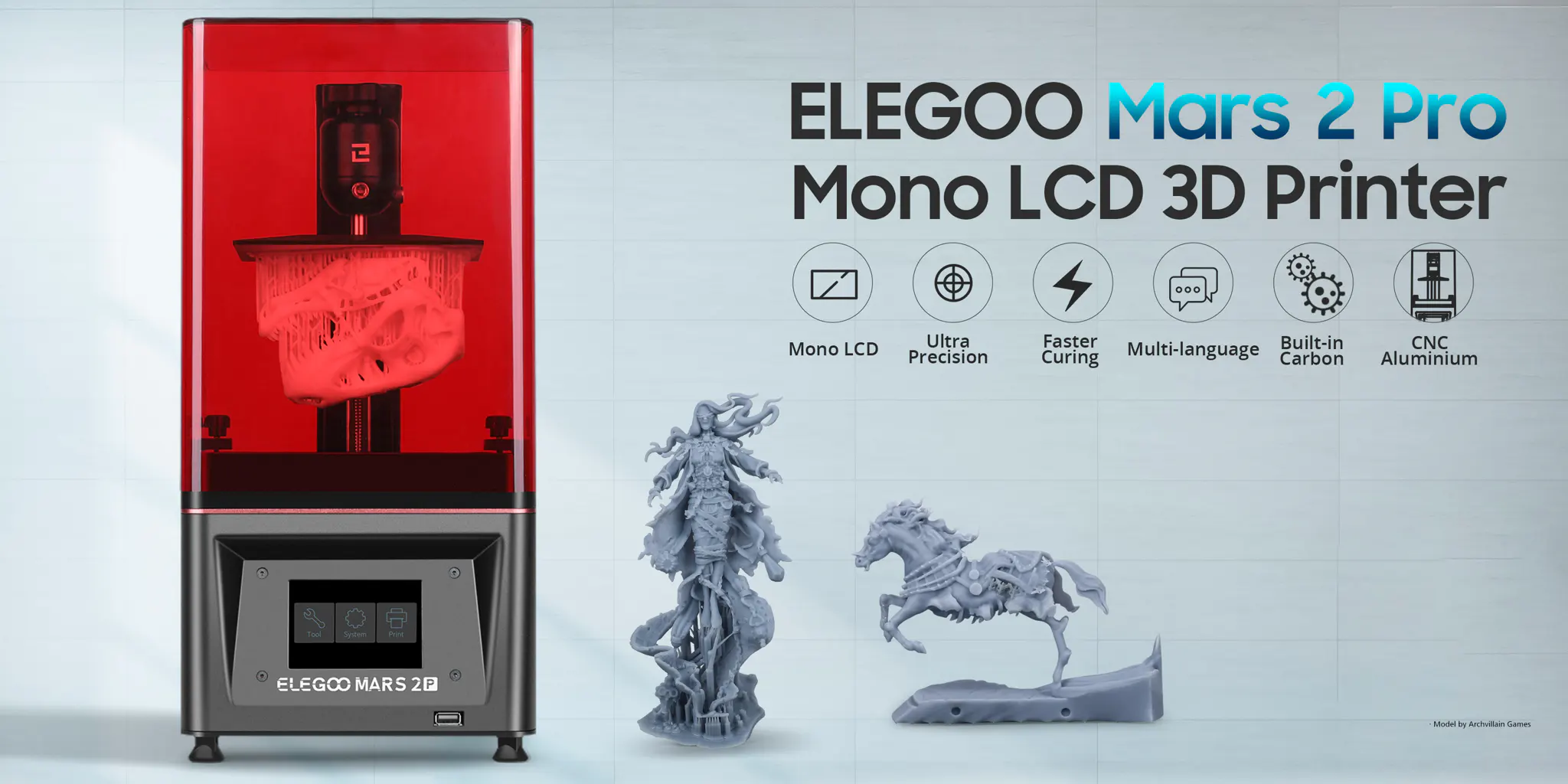
Understanding the role of layer thickness
Layer thickness is one of the most influential parameters in MSLA printing on the Elegoo Mars‑series. It directly affects surface quality, dimensional accuracy, mechanical performance, and total print time. Although the default layer height of most Mars printers is suitable for general use, there are specific situations where adjusting the layer thickness provides a measurable improvement in print results. These guidelines apply to all models in the series, from the early Mars and Mars 2 systems to the more advanced 4K, 8K, and 9K platforms such as the Mars 4 Ultra and Mars 5 Ultra.
When thinner layers improve print quality
A lower layer thickness is typically chosen when the goal is to maximize surface detail and minimize visible stepping on curved or organic surfaces. Prints such as miniatures, dental models, figurines, and high‑precision prototypes benefit from 0.025–0.035 mm layers, especially on high‑resolution printers like the Mars 4 Ultra and Mars 5 Ultra. Reducing the layer height increases the total number of layers, which naturally extends print time, but the improvement in smoothness and micro‑detail is often worth the trade‑off for applications where visual quality is critical. When switching to thinner layers, it is important to verify that the resin profile is stable at the chosen height; exposure times may need slight adjustments depending on the material and the printer’s light engine.
When thicker layers increase efficiency
A higher layer thickness becomes relevant when speed and throughput outweigh the need for ultra‑fine detail. Functional components, large prototypes, casings, and models intended for post‑processing or sanding can be printed at 0.05–0.1 mm without compromising structural integrity. On printers with stronger light engines, such as the Mars 3 and Mars 4 Ultra, thicker layers can significantly reduce print time while maintaining adequate accuracy for non‑aesthetic parts. Increasing the layer height also reduces the total number of peel cycles, which can improve reliability on tall or heavy prints. When moving to thicker layers, ensure that the resin cures fully at the increased volume per layer; insufficient exposure can lead to layer separation or soft surfaces.
Material‑specific considerations
Adjusting layer thickness is also useful when compensating for resin behavior. Highly viscous engineering resins, flexible materials, and fast‑curing dental resins may perform better at specific layer heights due to their flow characteristics and polymerization speed. Some materials achieve optimal dimensional stability at 0.05 mm, while others show improved surface quality at 0.035 mm. For each resin, the recommended values on the individual printer pages remain the primary reference, accessible through Elegoo Mars 3 settings, Elegoo Mars 5 Ultra settings, or any other model‑specific page within the cluster.
Finding the right balance for your workflow
In practice, the ideal layer thickness depends on the balance between detail, speed, and material behavior. Users working with high‑resolution models or demanding visual applications will benefit from thinner layers, while those prioritizing efficiency or producing functional components can confidently increase the layer height. The Mars‑series printers are designed to remain stable across a wide range of layer thicknesses, making it easy to tailor the workflow to the needs of each project.
Support
Do you need any help with 3D printing our SLA, DLP or LCD resins? We can help you! Just look for the question you have below. If you can’t find it, let us know by contacting us!
