
The transition from 4K to 9K MSLA printers in the Elegoo Mars‑series introduces more than just a higher pixel count. While resolution is the most visible upgrade, the underlying optical system, irradiance distribution, and pixel‑class differences have a direct impact on how resins cure, flow, and stabilize during printing. Understanding these behavioral changes is essential for achieving predictable results when switching between Mars 3, Mars 4, Mars 4 Ultra, Mars 5 Ultra, or any future high‑density LCD models. Resin behavior is not solely determined by exposure time; it is shaped by how consistently the light engine delivers energy across the build area and how finely the LCD can define each voxel.
Higher‑density LCD panels introduce smaller pixels, which reduce light bleed and improve edge definition. This affects how resins polymerize at boundaries, especially on small features, thin walls, and curved surfaces. At the same time, 9K printers often use improved optical engines with better collimation and uniformity, which changes how deeply and consistently each layer cures. These differences mean that a resin profile optimized for a 4K Mars printer may not behave identically on a 9K system, even if the exposure time appears similar. The interaction between pixel size, irradiance stability, and resin chemistry becomes more pronounced as resolution increases.
Because the Mars ecosystem supports a wide range of materials, from standard photopolymers to engineering‑grade, dental, and fast‑curing resins, the shift from 4K to 9K affects each resin type differently. Some materials benefit from the increased precision of 9K panels, while others require slight exposure adjustments to maintain dimensional accuracy or prevent over‑curing. For validated exposure recommendations, the primary reference remains the Elegoo Mars‑Series Resin 3D‑Printer Cluster, which provides model‑specific settings. With this foundation, the sections below explain how resin behavior changes when moving from 4K to 9K Mars printers and how to adapt your workflow accordingly.
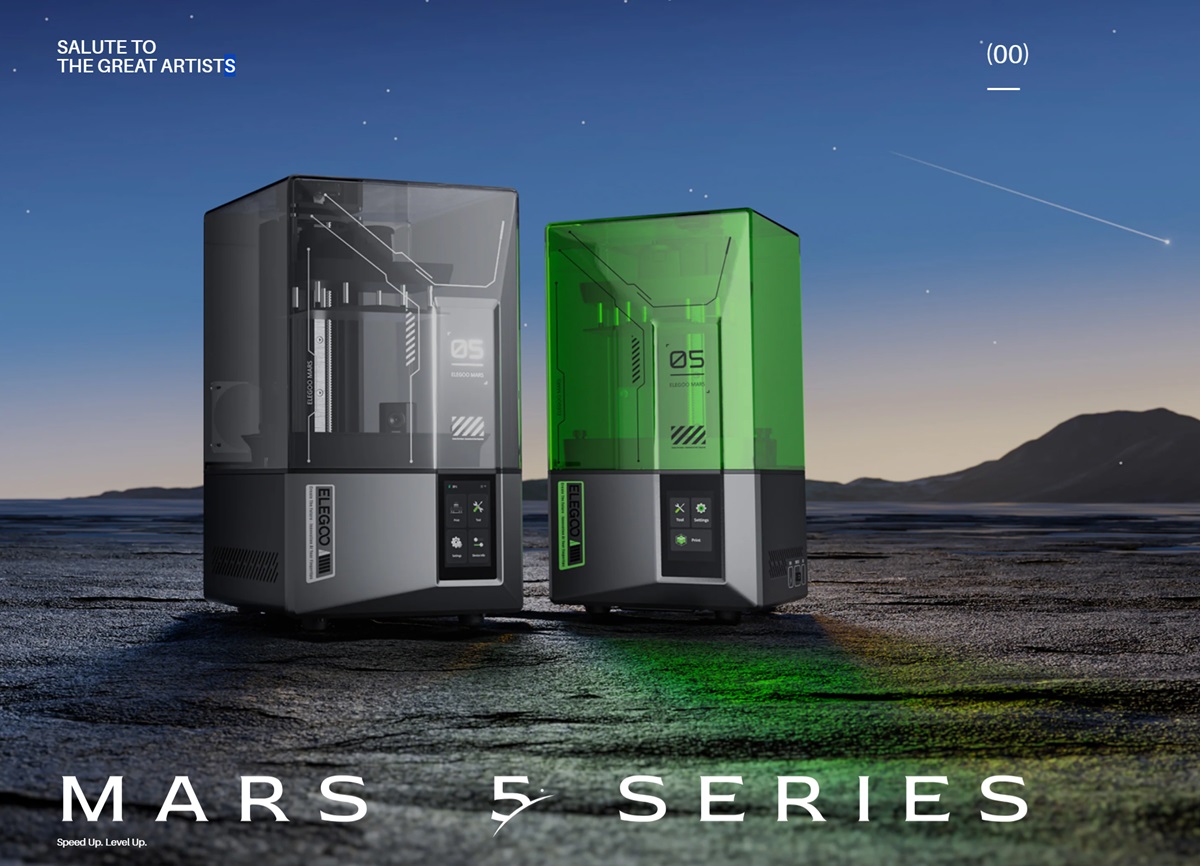
Optical differences that influence resin curing
The most significant change between 4K and 9K Mars printers is the optical engine. A 4K panel typically uses larger pixels, which produce broader light cones and slightly more lateral curing. This results in a forgiving curing profile that works well with most standard resins. In contrast, 9K printers use much smaller pixels combined with improved collimation, producing tighter, more focused light. This reduces unintended curing outside the intended voxel and increases edge sharpness. As a result, resins on 9K printers often cure with higher precision but may require slightly lower exposure to avoid over‑hardening fine features.
The improved uniformity of 9K light engines also affects how resins behave across the build plate. On 4K printers, minor variations in irradiance can cause subtle differences in curing depth, especially on large flat surfaces. On 9K systems, the uniformity is higher, which leads to more consistent polymerization across the entire print area. This consistency is particularly beneficial for dental models, engineering parts, and components requiring tight tolerances.
How pixel‑class affects resin polymerization
Pixel‑class refers to the physical size of each pixel and the spacing between them. On 4K printers, the larger pixel size means each voxel receives a broader light footprint, which can slightly soften edges and blend micro‑details. This is not inherently negative; some resins, especially flexible or viscous materials, benefit from this smoother curing behavior.
On 9K printers, the smaller pixel size produces sharper voxel boundaries. This increases detail resolution but also makes the resin more sensitive to exposure changes. A resin that cures perfectly at 2.5 seconds on a 4K Mars printer may require 2.0–2.2 seconds on a 9K system to avoid over‑curing. The sharper pixel boundaries also reduce the “rounding” effect on corners and small holes, improving dimensional accuracy but requiring careful calibration for engineering resins.
Impact on layer adhesion and mechanical properties
The improved precision of 9K printers can influence how layers bond to each other. Because each layer cures more cleanly and with less lateral bleed, the interlayer adhesion may feel slightly different compared to 4K systems. Most resins maintain excellent mechanical performance on both platforms, but some engineering materials may require minor adjustments to bottom exposure or lift speeds to maintain optimal bonding.
On 4K printers, the broader curing footprint can create slightly stronger interlayer blending, which can be beneficial for flexible or impact‑resistant resins. On 9K printers, the sharper curing profile enhances surface detail but may require fine‑tuning to achieve the same mechanical feel. These differences are subtle but relevant for users printing functional components.
Resin‑specific behavior when switching from 4K to 9K
Standard resins typically transition smoothly between 4K and 9K printers with only minor exposure adjustments. However, fast‑curing resins, dental materials, and engineering‑grade photopolymers may behave differently due to their sensitivity to irradiance and curing depth. Dental resins, for example, often benefit from the improved uniformity and precision of 9K printers, producing sharper margins and more accurate anatomical details. Engineering resins may require slightly reduced exposure to prevent over‑curing of small features.
Flexible resins can behave differently as well. On 4K printers, the broader light distribution can help maintain smooth transitions between layers, while on 9K printers the sharper voxel boundaries may require adjustments to maintain consistent elasticity. These differences highlight the importance of using validated settings from the Elegoo Mars‑Series Resin 3D‑Printer Cluster when switching between printer generations.
Adapting your workflow for consistent results
When moving from a 4K to a 9K Mars printer, the most important step is to recalibrate exposure settings based on the resin and the printer’s optical characteristics. Start with validated settings, then fine‑tune exposure in small increments to match your desired balance of detail, strength, and surface quality. Pay attention to small features, thin walls, and curved surfaces, as these areas reveal the most noticeable differences between 4K and 9K curing behavior.
The increased precision of 9K printers allows for higher detail and more consistent dimensional accuracy, but it also requires more careful tuning. By understanding how resin behavior changes between these two resolution classes, users can achieve optimal results across the entire Mars ecosystem.
Support
Do you need any help with 3D printing our SLA, DLP or LCD resins? We can help you! Just look for the question you have below. If you can’t find it, let us know by contacting us!
