
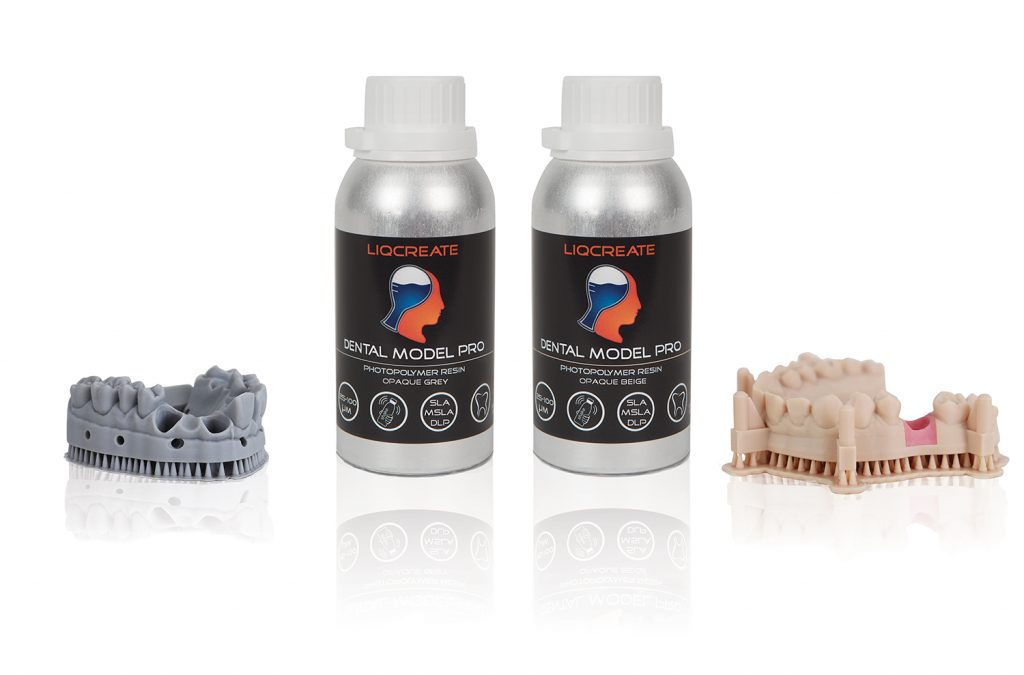
Ecosystem Behavior
Surface quality is influenced by coordinated behavior across the printer ecosystem, including Z‑axis mechanics, build platform alignment, optical uniformity, resin handling and environmental conditions. Temperature fluctuations, resin viscosity changes, mechanical drift and optical inconsistencies can all introduce surface artifacts, especially on occlusal surfaces, smooth anatomical areas and aligner models.
Light Engine Behavior
Light engine performance determines how each layer cures and how fine surface detail is reproduced. Optical falloff, LED intensity variation, pixel diffusion, spectral imbalance and regional non‑uniformity can cause uneven polymerization, leading to surface roughness or banding. Verifying uniformity and inspecting the optical path helps identify whether exposure imbalance contributes to surface defects.
Mechanical Stability
Mechanical instability can introduce micro‑steps, banding or inconsistent surface texture. Z‑axis hysteresis, lead screw wear, linear guide friction, loose fasteners, build platform misalignment and insufficient lubrication may cause subtle vertical deviations during layer transitions. Even minor mechanical drift can affect surface smoothness on detailed dental geometries.
Resin Interaction
Resin viscosity, temperature, photoinitiator concentration and cure‑depth behavior influence surface formation. Cold resin, insufficient mixing, pigment settling or contamination can reduce polymerization uniformity, resulting in rough surfaces or incomplete detail. Consistent resin handling is essential for predictable surface quality.
Exposure Strategy
Exposure strategy directly affects surface smoothness and detail reproduction. Under‑exposure can cause incomplete curing and rough surfaces, while over‑exposure may introduce excessive cure depth, loss of fine detail or surface artifacts. Adjusting base layers, normal layers, cure depth and interface exposure helps stabilize surface behavior across different dental model types.
3D‑Printing Parameters
Beyond exposure time, additional parameters such as lift speed and wait time significantly influence surface quality in dental 3D‑printed models. Excessive lift speed, particularly above 90 mm/min (1.5 mm/sec), can disrupt layer alignment and introduce surface artifacts. A rarely used but highly effective parameter is the wait time before lift, also referred to as wait time after exposure depending on the software. Setting this value to 1–2 seconds allows the cured layer to stabilize before the peel movement, improving polymerization consistency and dramatically enhancing surface smoothness across dental geometries.
Accuracy Behavior
Accuracy drift caused by mechanical or optical instability can manifest as surface defects. Controlled test prints and dimensional measurement help determine whether deviations are global or regional. Mapping accuracy across the build area provides insight into whether surface issues originate from mechanical movement, optical imbalance or resin behavior.
Calibration Routines
Calibration routines for improving surface quality include build platform leveling, Z‑axis verification, optical uniformity checks and exposure calibration. These procedures ensure that mechanical and optical systems operate within controlled tolerances. Calibration should be performed when switching resin, after maintenance or when surface drift is observed.
Troubleshooting Patterns
Surface defects typically follow identifiable patterns. Horizontal banding often indicates Z‑axis instability. Rough surfaces may point to resin temperature issues or under‑exposure. Localized artifacts can relate to optical falloff or pixel diffusion. Recognizing these patterns helps isolate the subsystem responsible for the deviation.
Workflow Integration
Stable surface quality requires consistent resin handling, controlled environmental conditions, validated exposure settings and predictable post‑processing. Integrating mechanical inspection, exposure verification and resin preparation into daily workflow reduces variability and ensures repeatable surface results across different dental model geometries.
Related Resources
For broader troubleshooting topics, refer to the Printer Troubleshooting page. Exposure‑related diagnostics are detailed in the Exposure Troubleshooting per Printer article. Accuracy‑related calibration and measurement methods are covered in the Printer Accuracy & Calibration section. Resin‑specific behavior, including shrinkage and cure‑depth variation, is explained in the Dental Resin Instructions page and the Resin Science & Accuracy section.
Support
Do you need any help with 3D printing our SLA, DLP or LCD resins? We can help you! Just look for the question you have below. If you can’t find it, let us know by contacting us!
